From First Tap to First Box

Order on your phone in a couple of minutes. We cook it fresh the next morning and bring it to your door in Visakhapatnam. After that, everything is a tap away. And if you are eating for a health goal, a dietitian is in the loop with you.

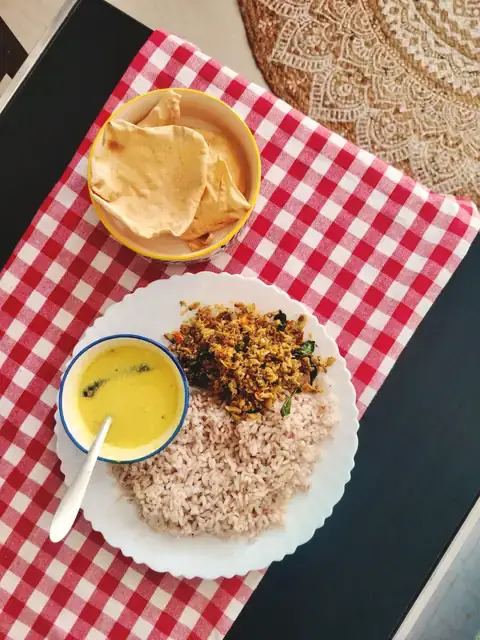
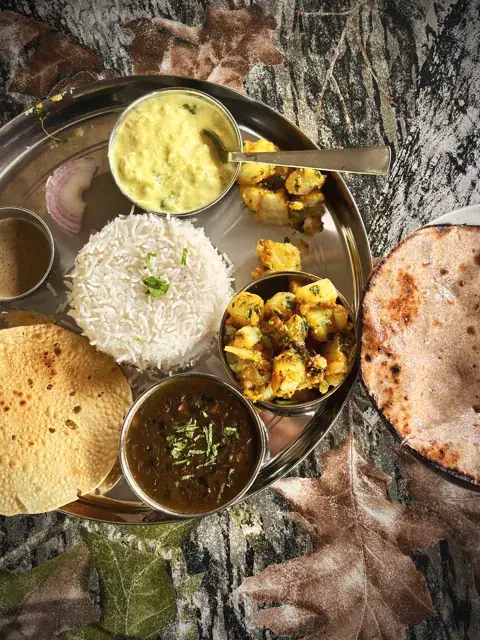
Dal, jeera rice and a stuffed paratha on a brass plate

Five steps, all on your phone.

This is what you will see, in the order you will see it. The pictures are simplified; the app looks and works like this.

Step 1: Pick your plan

Choose which meals you want (breakfast, lunch, dinner or all three), a box style, and Veg or Non-Veg. Then pick how long: a short trial, a week or a month.

  • Lite: 3 roti or bread, 1 curry and 1 salad. No rice.
  • Rice: 1 rice, 1 curry and 1 dal. No roti.
  • Regular: 2 roti or bread, 1 curry, 1 rice, 1 dal and 1 salad. The fullest plate.

Eating for weight loss, diabetes, gut health, GLP-1 support, pregnancy or another health goal? Take the goal path: your box starts right away while a dietitian builds your plan around you.

Step 2: Tell us who it is for

Order for yourself, your parents or your children from one account. Add each person once, with their own allergies, foods they dislike and delivery address. The kitchen packs every box to that person’s rules, and the label on the box says whose it is.

  • Allergies are flagged to the cooks and the packers on every box.
  • “No chutney” or “less oil” is remembered, so you do not have to ask again.
  • Choose your start date. The earliest one is shown for you.

Step 3: Pay once, see everything first

Before you pay, you see the plan price on the screen, plus any coupon or wallet balance you are using. Pay by UPI, card or bank transfer.

  • What you pay is held in your wallet and used one meal at a time, as each box is delivered.
  • Delivery charges depend on your area. Enter your PIN code to see yours.
  • An email confirms your plan and your first delivery.

Step 4: Adjust any day, until the cut-off

The Today screen shows your next meal, what is in it and when it arrives. Swap a dish, change a portion or skip the meal before its cut-off (breakfast 10 PM the night before, lunch 7 AM and dinner 1 PM the same day). The kitchen sees your change the same minute. The Week screen shows what is coming.

  • Swap a dish for another from that day’s menu.
  • Portions: one more roti or a bigger serve; extras are charged from your wallet.
  • Skip a meal you will miss. It is not charged.

Step 5: After the meal, and when life happens

Rate each meal in two taps and tell us what to change. We read it, and the kitchen acts on it. Your wallet balance and your plan’s end date are always on your screen, with a reminder before it ends.

  • Pause for a trip: pick the dates. Those delivery days are taken out and your plan ends later by the same number of delivery days.
  • Kitchen holidays: on the few days we close, every running plan gets that day added, free.
  • Questions: message us on WhatsApp any time.
For a health goal

Set it up once and we help you stay on track.

For weight loss, diabetes, gut health, GLP-1 support, pregnancy and other goals, there is a person behind your plan, and the app shows you every day how you are doing. It is a loop: plan, eat, track, ask, adjust.

  1. Set up
  2. Your plan
  3. Eat
  4. Track
  5. Ask
  6. Plan updated

Step 1: Choose your goal

Start from the goal that fits you: weight loss, peak protein, diabetic-friendly, maintain or general wellness. We fill in a sensible set of daily targets, and you can change anything.

  • Your box ships either way. The trial starts straight away while your plan is being shaped.
  • Pick a time for your call. A dietitian follows up to build your full plan around you.
  • Medical goals (after surgery, heart, cancer care, IBS) start with that call and your reports.

Step 2: Your first call is free

You tell us your routine, your reports, what has not worked before, and what you cannot eat. There is no payment before this call, and no pressure after it.

  • Targets are set for you: calories, protein and anything to avoid. Allergies are marked for the kitchen.
  • Share what you have. A photo of a report or a prescription is enough, and you can do it from the app.
  • Check-ins after that. Phone check-ins and conference calls are scheduled as your plan needs. Everyday feedback stays in the app.

Step 3: Your plan, written once, sent to you

Your dietitian writes each day’s meals with the quantity of every item and a short note on why. Nothing reaches you until it is ready, and it arrives in two places.

  • In your app, on Today and My plan, with calories for each item.
  • As a printable PDF, emailed to you at the moment your dietitian sends it.
  • The kitchen gets its own note, such as “no added salt” or “cook the dal soft”.
  • Every change is kept. Each version of your plan is saved, so nothing is ever lost.

Step 4: Eat, and watch the day add up

Each delivered meal fills your day. You see calories, protein, carbs and fat against your own targets, shown as simple bars.

  • Swap or skip any meal before its cut-off, and your totals follow.
  • Hit your protein and the app tells you so.
  • Rate each meal. Your dietitian reads it.

Step 5: See your progress, kindly

Progress is more than the scale. The app shows how far you have come, how the week is going, and how you feel, and your dietitian sees the same picture.

  • Your journey: start weight, now, and goal, with how far along you are.
  • This week, Monday to Sunday. A day is on target when you land within 10% of your calories. A slip is shown in amber, never red, and today is never judged.
  • Streaks and milestones count the on-target days in a row.
  • Habits and how you feel. Tick the habits your dietitian chooses, and tap how hunger, energy and sleep were.
  • A weekly recap and a four-week chart, with calories and protein against your own targets.

Step 6: Not working? Ask, in your own way

If a day runs over, a meal does not suit you, or something changes, you do not have to work it out alone. Tap once and it goes to your dietitian, with the day’s numbers attached.

  • Ask for a change on any planned meal, or ask for help rebalancing when you are over target.
  • Type it, say it, or show it. Send a message, record a voice note, or add a photo of your plate, a label or a report.
  • Replies come to the same place, with a quick notification that carries no health details.
  • Then the loop closes. If the plan changes, the new version is sent to you, and the loop starts again.

Who sees what

You
  • Your plan, targets and progress
  • Messages, voice notes and photos
  • Every version of your plan
Your dietitian
  • Your first name and a client code
  • Your targets, plan, progress and feedback
  • What you choose to send in the chat
  • Phone check-ins and calls, when scheduled
Our kitchen
  • Your meals and portions
  • Allergies and the cook note
  • Nothing more than it needs to cook

Everyday feedback goes through the app: messages, voice notes and photos, which reach your dietitian and not the kitchen. Phone check-ins and conference calls are booked when your plan needs them.

Meet the dietitians

The rules, in plain words.

No small print. This is how changes, pauses and money work.

Changing a mealSwap, portion changes and skips are open until each meal's cut-off (breakfast 10 PM the night before, lunch 7 AM and dinner 1 PM the same day). After that the kitchen has started on your box.
Skipping a mealA skipped meal is not charged, and the money stays in your wallet. Your plan’s end date does not change.
PausingPick the dates. Those delivery days are removed, nothing is charged for them, and your plan ends later by the same number of delivery days.
Kitchen holidaysOn the few days a year we close, every running plan gets that day added, free. You will see a note in the app.
DeliveryMonday to Saturday, free on every plan. Skipped and paused days are not charged.
PayingUPI, card or bank transfer. Your payment sits in your wallet and is used one meal at a time as boxes are delivered.
Talking to your dietitianEveryday feedback goes through the app: messages, voice notes and photos, with replies in the same place. Phone calls depend on your plan: an intake call after you book on every plan, including the 5-day trial, then a call every two weeks on 40 days and a weekly call on 60 days. Extra sessions can be booked as an add-on.
What counts as on targetA day counts when your meals land within 10% of your calorie target. A slip is shown in amber, never red, and the current day is never judged.
RenewingWe remind you before yours ends, and you choose when to renew. Your history stays in the app.
CancellingMessage us on WhatsApp. Undelivered days are credited to your wallet for use on any future plan. On the 20, 40 and 60-day plans, delivered days are adjusted to the rate of the length completed, as set out in the Terms.

Behind the box.

What happens in our kitchen, between your order and your door.

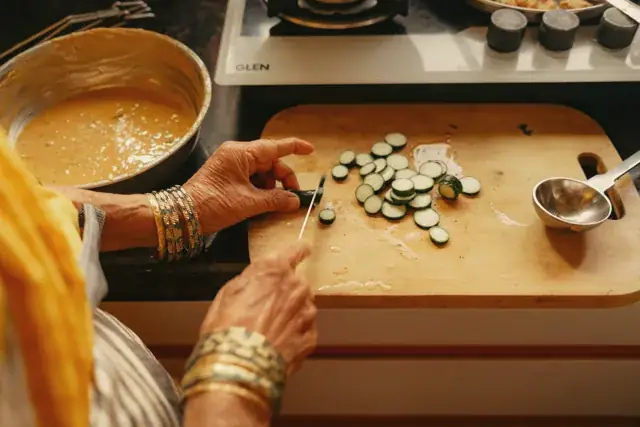
A woman cooking flatbread on the stove in a bright home kitchen
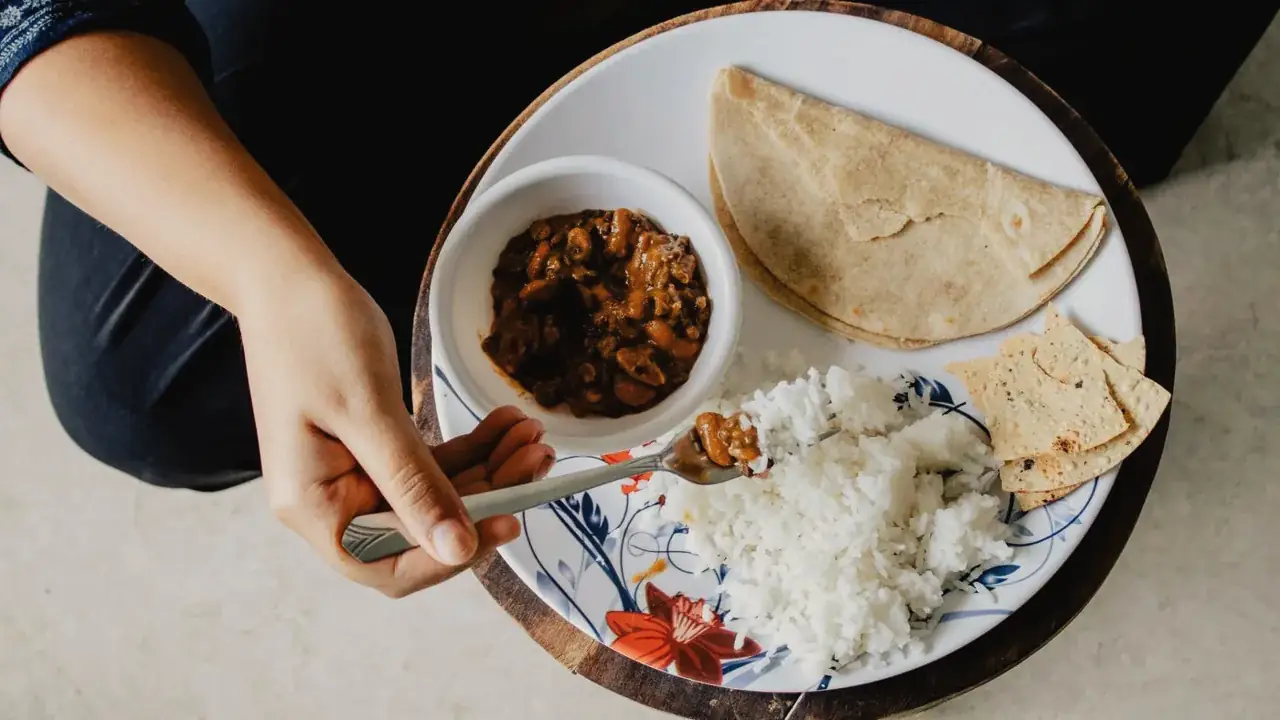
Roti, rice, dal and papad on a plate, being eaten

Daily Fresh Cooking

The kitchen is up before the city is. Everything on your plate is prepared fresh daily.

  • No preservatives
  • MSG-free
  • Measured oil
  • Local-market vegetables and spices

Delivery windows

Meals arrive at your home, your office or a family member’s door in a set window. These times come straight from the kitchen’s schedule.

  • Breakfast6:30–8:00 AM
  • Lunch12:30–1:30 PM
  • Dinner6:30–8:30 PM

Standard plans run Monday to Saturday. We will try to adjust timings for special requests.

Do we deliver to your street?

We deliver to most parts of Visakhapatnam, including these neighbourhoods:

  • Muralinagar
  • Siripuram
  • MVP Colony
  • Midhilapuri Vuda Colony
Check if we deliver to you

Delivery, pausing and diets, answered.

How do I check if you deliver to my area?

Type your 6-digit PIN code into the checker on this page and you'll get an answer straight away. We deliver to most parts of Visakhapatnam, including Muralinagar, Siripuram, MVP Colony and Midhilapuri Vuda Colony. If your PIN isn't on the list yet, message us on WhatsApp and we'll confirm.

Can you deliver a tiffin to my child's school?

Yes. The Little Nest delivers straight to your child's school floor, so kids don't have to go down to the gate or deal with gate security to collect their box. Message us with your child's school and timings and we'll work out the drop.

What are your delivery windows, and which days do you deliver?

Breakfast 6:30–8:00 AM, lunch 12:30–1:30 PM and dinner 6:30–8:30 PM. Standard plans run Monday to Saturday. We'll try to adjust timings for special requests.

How long does the food stay fresh after delivery?

Everything is cooked the same morning, light on oil and with no preservatives, so it's best eaten within 4–6 hours of delivery. If you can't eat right away, a fridge keeps it good until dinner.

What happens to my plan when I skip or pause?

Skipped or paused days are not charged, and your plan ends later by the same number of delivery days. Both are open in the app until each meal's cut-off (breakfast 10 PM the night before, lunch 7 AM and dinner 1 PM the same day).

Can I pause for travel or cancel my subscription?

Yes. Pause for travel or a break in the app. Paused days are not charged, and your plan ends later by the same number of delivery days. To cancel, message us on WhatsApp; meals not yet cooked go back to your Meal Nest wallet and can be used on any future plan.

Do monthly packages cost less?

Yes. Longer packages work out cheaper per meal, and the monthly package has the lowest per-meal price. Live prices for every plan are on the Plans page.

Can I change my plan, diet or delivery days later?

Yes. Switch between Veg and Non-Veg, change your delivery days or move to a different plan whenever you like, on WhatsApp or your dashboard.

How does the Care Nest 3-batch delivery work?

The Care Nest is delivered in three batches a day, each carrying two meals: a morning batch (breakfast and mid-morning), an afternoon batch (lunch and evening snack) and a night batch (dinner and next-morning drink).

Will a dietitian stay in touch after the first call?

Yes. Goal and medical plans begin with a free first call. After that, regular feedback goes through the app (messages, voice notes and photos), with phone check-ins and conference calls scheduled as your plan needs. Your dietitian keeps an eye on your progress and reports so your meals stay matched to how you are doing. Extra sessions can be booked as an add-on.

How do I track my progress on a goal plan?

The app fills your day from the meals we deliver and shows calories, protein, carbs and fat against your own targets. You also get a weight journey, a Monday to Sunday week view, streaks, habits your dietitian chooses, a weekly recap and a four-week chart. A day counts as on target within 10% of your calorie target.

What if I go over my target?

Nothing is judged. A slip day shows in amber, never red. If you want help, tap once and your dietitian gets the day’s numbers and can adjust your plan. Any change is sent to you as a new version of your plan.

Can I send my dietitian a voice note or a photo?

Yes. In the app you can message your dietitian, record a voice note, or add a photo of a plate, a label or a report. They reach your dietitian and not the kitchen. Day-to-day feedback happens there, and phone check-ins and conference calls are booked when your plan needs them.

What should I share for a medical diet?

Your doctor's prescription or recent medical reports, plus any allergies or restrictions. On the intake call, the dietitian reviews them and sets your protein and calorie targets.

Which medical conditions do you plan meals for?

Post-surgery recovery (soft, healing foods), heart care (low-sodium), cancer recovery (immunity-focused), diabetes and hypertension (controlled sugar and salt), and other medically guided needs, all customised to your doctor's advice.


Still have a question? Ask us on WhatsApp

Ready for Fresh, Dietitian-Guided Meals?

Pick a plan, tell us your goal, and we'll take care of the cooking and the delivery.